
Waypoint 01
Briefing
 Your guide: Dr. Kyle Reece
Star Citizen is a space game in which all players share the same, continuously running universe: you wake up in a city, walk to the spaceport, get your ship and take off – cargo, rescue, salvage, mining or simply exploring. There are no classes and no levels; what you can do depends on your ship, your equipment and your experience.
Important up front: the game is still in development (alpha). Every larger update brings new content, and sometimes something breaks. Knowing that makes it less annoying.
To get started you need a game package. RSI currently sells exactly one, the First Flight Pack (see waypoint 04). You can try the game without buying during Free Fly events: according to RSI the game is then free to play, usually for about a week, announced in the Comm-Link on the RSI site.
“I used to fly across half of Stanton as a freelance emergency physician. The Verse is big, sometimes rough, and now and then a door that should open stays shut. The game is still in development. Don't let that put you off – the first hours are the best, and we're with you.”
Waypoint 02
Will my PC run it?
 Your guide: Ivo Brenner
Star Citizen needs a powerful Windows PC. macOS and Linux are not officially supported. The figures come from the RSI help centre (article updated September 23, 2026):
| Minimum | Recommended | |
|---|---|---|
| Operating system | Windows 10 (64-bit, up to date) | Windows 10 or 11 |
| Processor | Quad-core with AVX, AVX2 and FMA3 – Intel i7 Haswell or newer, or AMD Excavator or newer | Quad- or eight-core – Intel i7 Haswell or newer, or AMD Ryzen 5 and newer |
| Memory | 16 GB | 32 GB DDR4 |
| Graphics card | DirectX 11.1, 4 GB VRAM, driver with Direct3D 11.1 and Vulkan 1.2 | DirectX 12, 8 GB VRAM |
| Storage | at least 150 GB on an SSD, plus according to RSI at least 10 GB of SSD for the page file | |
Small print: the package page in the RSI store still lists older, lower figures (including Intel Sandy Bridge). The current help article is what counts. From experience: the game starts with the minimum, but with 32 GB of memory and a fast SSD it is a lot more fun. Our system check in the getting-started guide rates your PC (stage 01, waypoint “Install” → “Will my PC run it?”).
“I don't judge a ship by its photo or a PC by its spec sheet. But there's one thing I'm stubborn about: the game belongs on an SSD. On an old hard drive everything loads so slowly that you lose the fun before you're even in the cockpit.”
Waypoint 03
Create an account
 Your guide: Myra Voss
Your RSI account is your key to everything: game package, ships, launcher. Our link opens the RSI registration with our code already in the “Referral Code” field. According to RSI that gets you 50,000 UEC of in-game currency as a starting bonus.
- Open the registration – with the “Sign up with starting bonus” button.
- Enter your details – account name (your public name in the game and on the forum), email, password, date of birth. Choose the name carefully, it is your calling card.
- Check the code – the “Referral Code” field must say
STAR-L7QW-LPBL. - Accept the terms – accept the terms of service and privacy policy, then “Enlist Now”.
- Confirm your email – RSI sends you an email; your account is only active once you click the link in it.
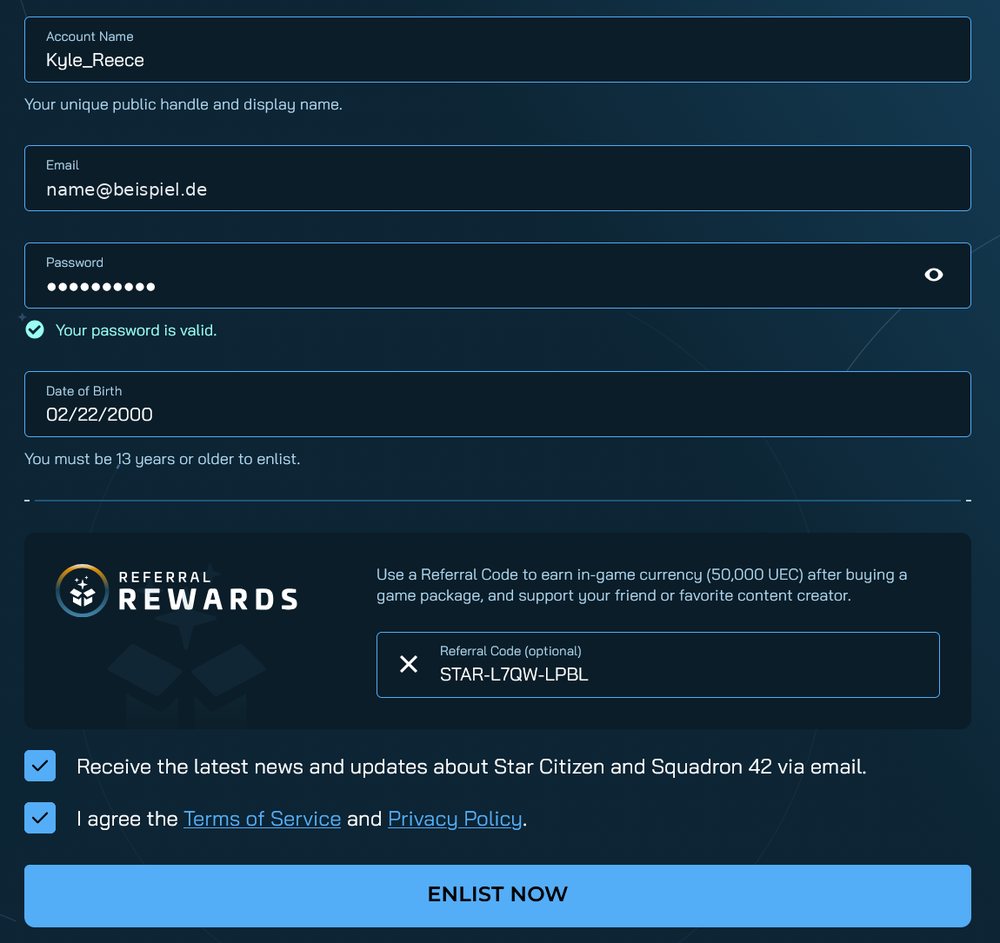
Forgot the code? According to RSI's referral FAQ you can add it in your account settings up to 24 hours after creating the account. After that it is no longer possible, not even through support.
“Before every launch I count the latches. Here there are three: code in the field, email confirmed, two-factor login on. Most people forget the third – and that's exactly the one you miss when someone else wants into your account.”
How to secure your account is explained on the get-started page under Secure your account.
Waypoint 04
Your game package
 Your guide: Craig Harker
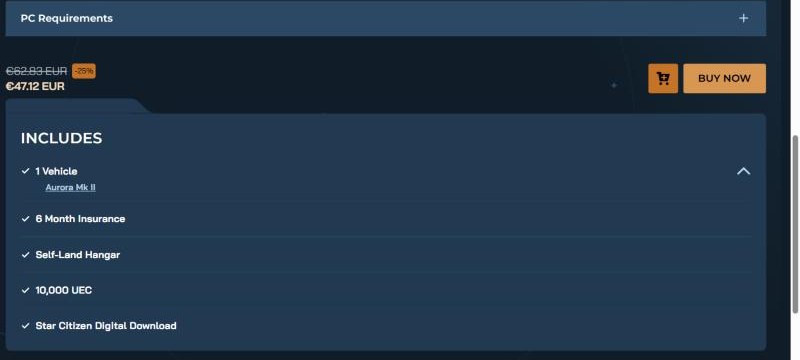
No game package, no game access – a single ship on its own is not enough. RSI currently sells a single package, the Star Citizen First Flight Pack. According to the RSI store it contains:
- the Star Citizen download,
- the Aurora Mk II as your first ship of your own, with 6 months of insurance,
- a hangar to land in (Self-Land Hangar) and 10,000 UEC starting credit,
- 30 days of loaner ships to try out: Drake Golem (mining), MISC Fortune (salvage) and Crusader Intrepid (cargo).
The package regularly costs $60 before tax (62.83 € including 19 % VAT in the German store); on October 30, 2026 a 25 % promotion was running ($45 / 47.12 €). Together with our code that is 60,000 UEC to start with. You can always see the current price directly at RSI ↗.
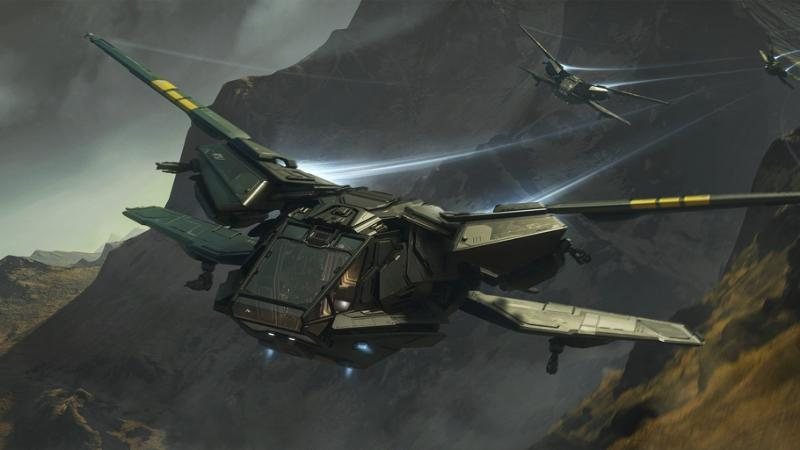
“The Aurora isn't a big ship. But it forgives landing mistakes, and at the start you need that more than a big cargo hold. Fly the three loaners while you have them – afterwards you'll know where you want to go.”
Waypoint 05
Your ship – via upgrade
 Your guide: Nadia Serrat
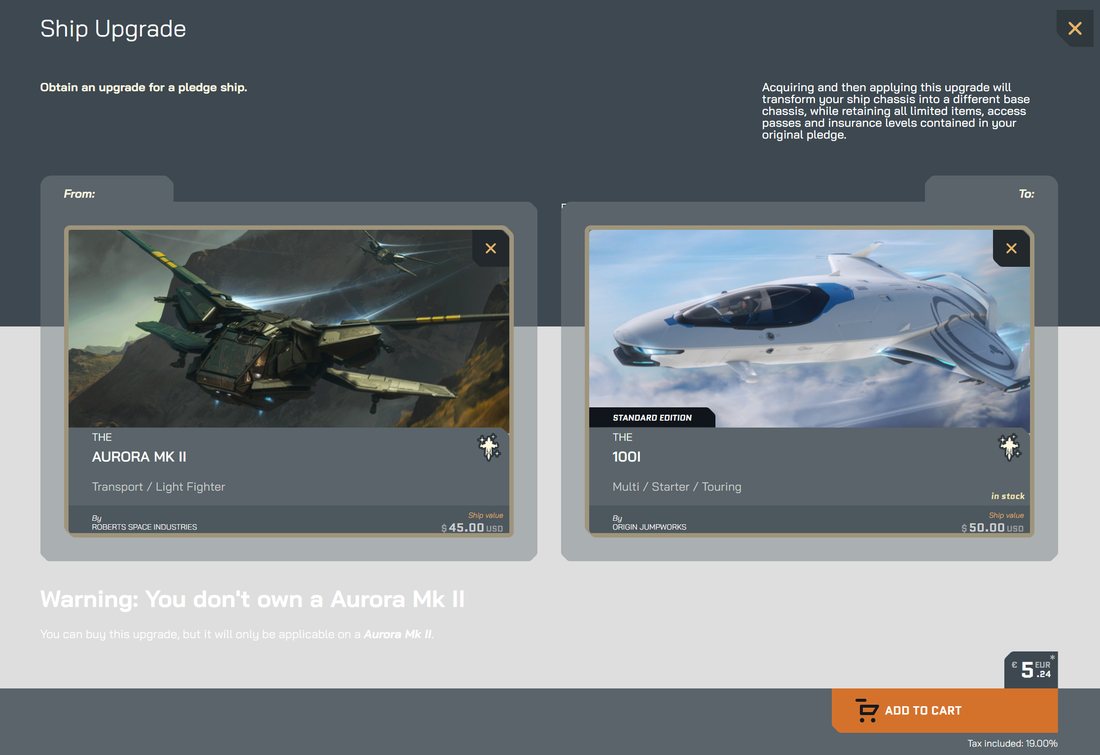
Because there is only one starter package left, the way to a different starter ship is a ship upgrade (also called a CCU): you buy the First Flight Pack with the Aurora Mk II and swap the Aurora for another ship by paying the difference. The package with your game access stays – according to RSI a standard upgrade only changes the ship; insurance and other contents remain.
How an upgrade works
- Buy – in the RSI Pledge Store open the “Ship Upgrades” ↗ tool (menu “Ships” → “Upgrades”), pick the Aurora Mk II on the left and your target ship on the right; check price and availability and order.
- Apply – on the RSI site open “My Hangar”. The upgrade is at the top of the list: click the arrow next to it, choose “Apply Upgrade”, select the First Flight Pack, “Next”, enter your password.
- Fly – in the game the new ship is now waiting at the terminal.
Important: according to RSI an applied upgrade is permanent and cannot simply be undone. Upgrades only go to a more expensive ship. So fly the loaner ships first, then decide. Source: RSI help “Ship Upgrades (CCUs)” ↗.
“Before you upgrade: fly the loaners. Thirty days are enough to find out whether cargo, mining or salvage suits you. I spent five years paying off my MAX – I know how good it feels to have the right ship, and how bad the wrong one.”
Starter ships and their upgrade price
Price of the upgrade from the Aurora Mk II in US dollars before sales tax or VAT, as shown in the RSI upgrade tool on October 30, 2026. Prices change during promotions – the price at RSI is always what counts.

100i
Upgrade from Aurora Mk II+$5
A comfortable single-seater for travel and small jobs – for anyone who likes to be on the move and enjoys some comfort while doing it.
With us: travel and exploration
View ship at RSI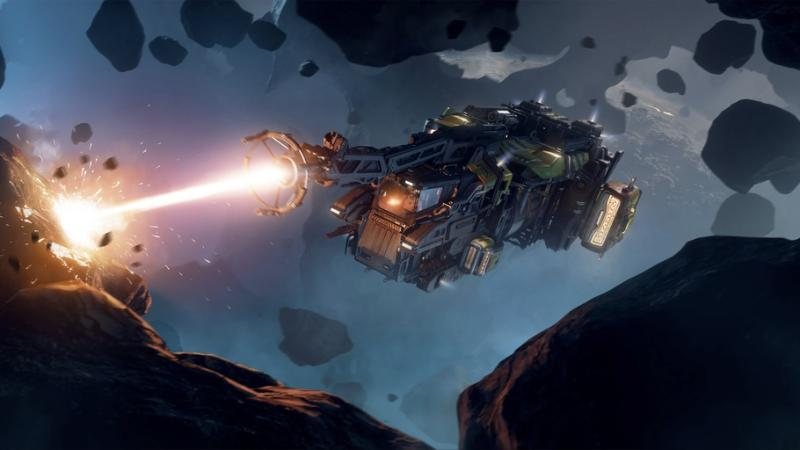
Golem
Upgrade from Aurora Mk II+$15
Mining for beginners. Comes as a 30-day loaner in the package – try it first, then decide.
With us: mining
View ship at RSI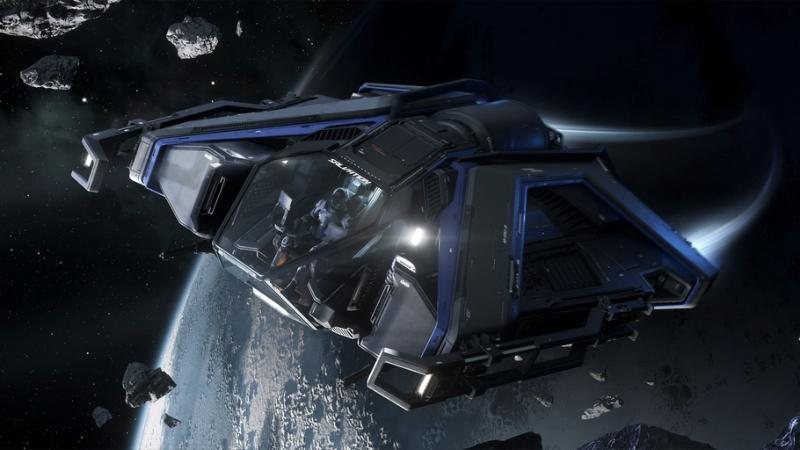
Salvation
Upgrade from Aurora Mk II+$15
Salvaging wrecks on a small scale: strip hull material, process it, sell it.
With us: Repair
View ship at RSI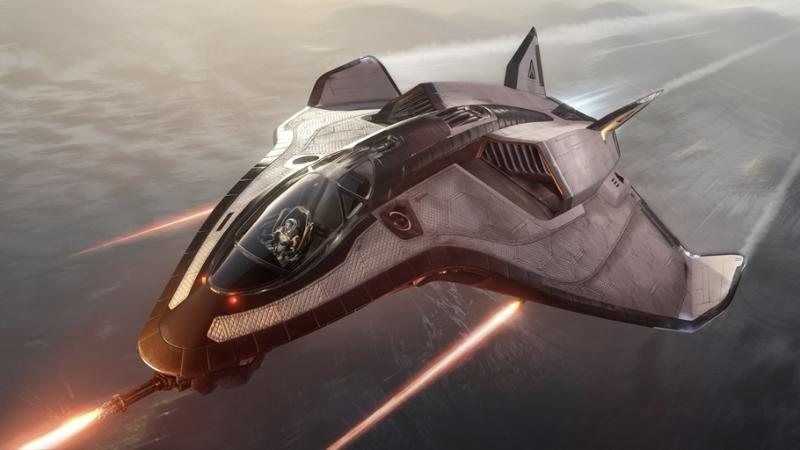
Avenger Titan
Upgrade from Aurora Mk II+$15
A fast single-seater with a small cargo hold – an all-rounder for delivery contracts and your first fight.
With us: Starlines
View ship at RSI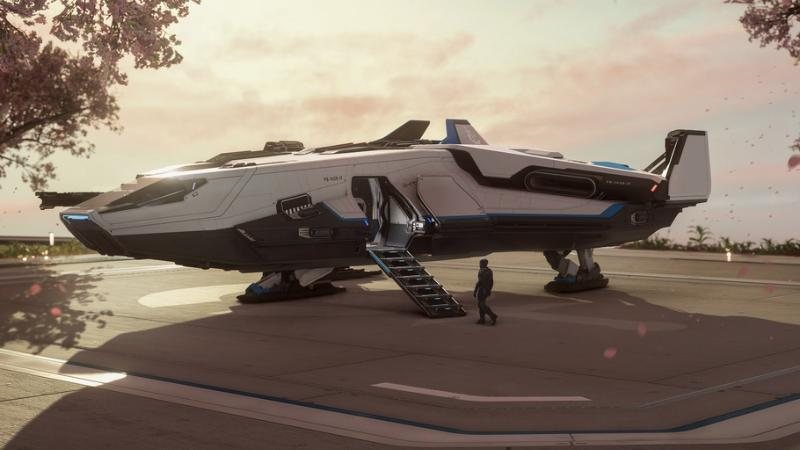
Intrepid
Upgrade from Aurora Mk II+$20
A cargo ship for beginners. Also a 30-day loaner in the package.
With us: Starlines
View ship at RSI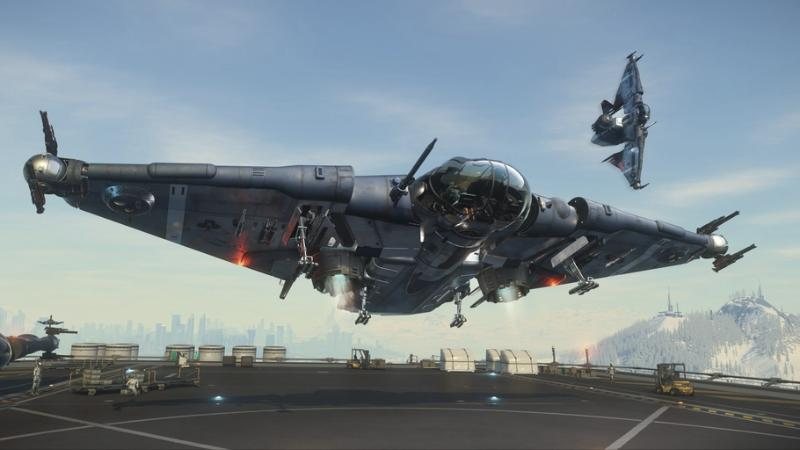
Reliant Kore
Upgrade from Aurora Mk II+$20
For two: small cargo, shared flights, a seat for a second pair of hands at the console.
With us: Starlines
View ship at RSI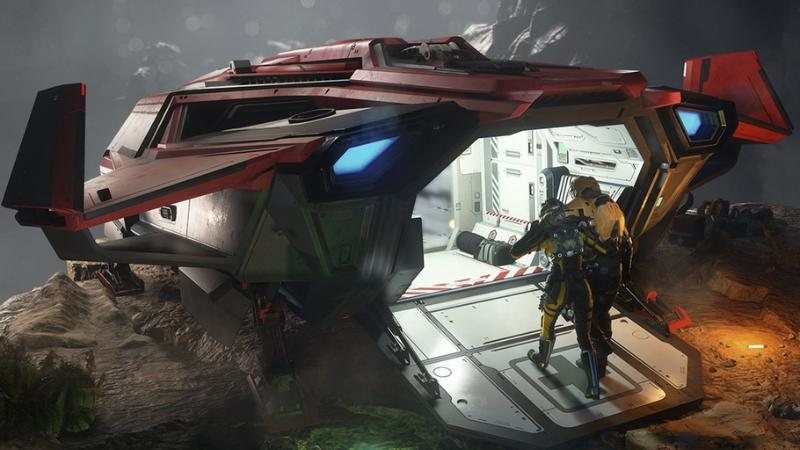
C8R Pisces
Upgrade from Aurora Mk II+$20
A small rescue ship with medical equipment – if you want to join our rescue flights, this is where to start.
With us: Medical
View ship at RSI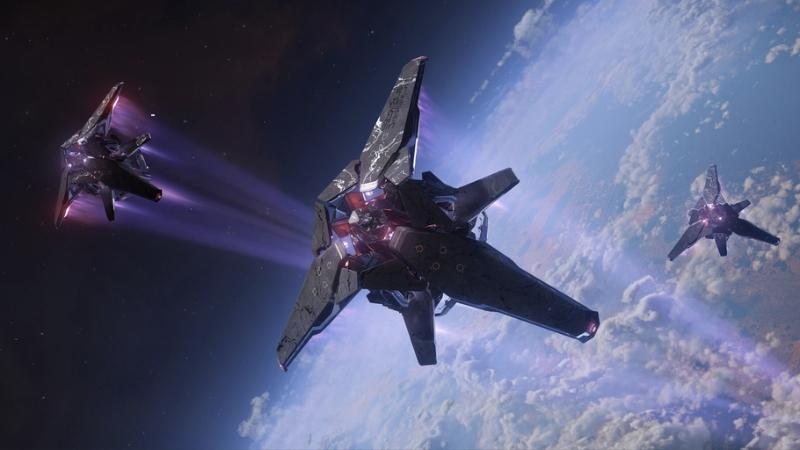
Syulen
Upgrade from Aurora Mk II+$25
Xi’an design for exploration and small cargo – unusual, calm, a ship for explorers.
With us: travel and exploration
View ship at RSI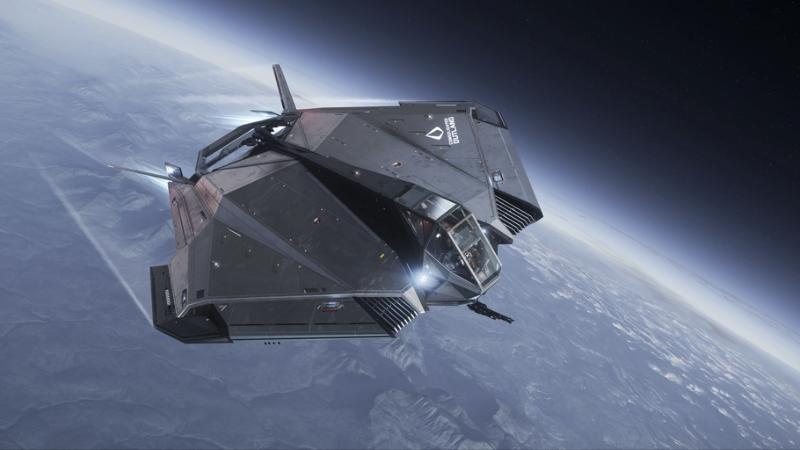
Nomad
Upgrade from Aurora Mk II+$35
Cargo with a small living area – for anyone who stays out longer.
With us: Starlines
View ship at RSI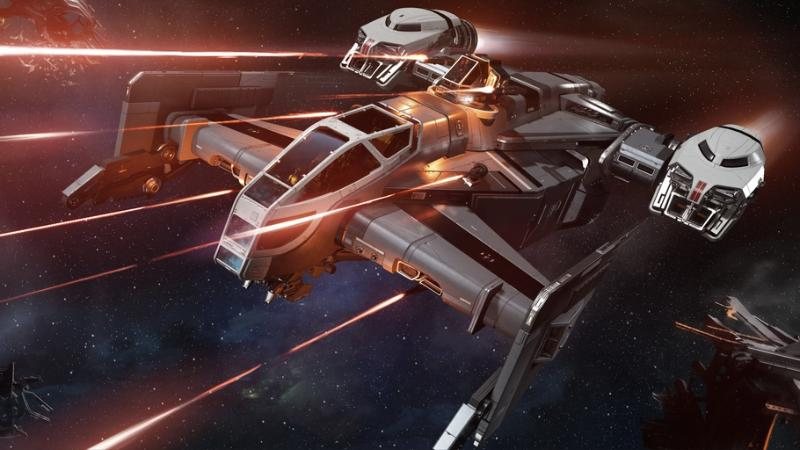
Cutlass Black
Upgrade from Aurora Mk II+$65
The classic for small crews: cargo, combat, out via the ramp. A big step – but one many never regret.
With us: all three divisions
View ship at RSI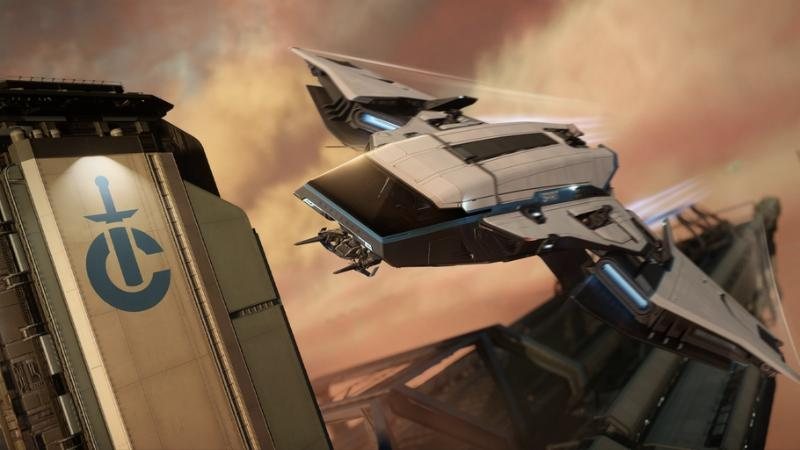
C1 Spirit
Upgrade from Aurora Mk II+$80
More cargo, more comfort, for two – when getting started turns into a profession.
With us: Starlines
View ship at RSIThe Mustang Alpha and Drake Cutter cost as much as the Aurora Mk II or less – there is no upgrade to them. These ships can only be bought in addition.
“With the Salvation you learn what a wreck is still worth and what isn't. If you want to start with us in Repair, that's exactly right – I'll show you the rest at the wreck.”
“If you want to join Medical: the Pisces is small, but it gets you to the injured and gets them out again. That's all you need to start.”
Waypoint 06
Checkout
Your guide: Nadia Serrat- Add to cart – add the First Flight Pack (and the upgrade, if you want one) in the RSI store.
- Billing address – create and select an address. VAT or sales tax depends on your country and is shown at checkout.
- Pay – choose a payment method and complete the purchase. The package then appears in “My Hangar”.
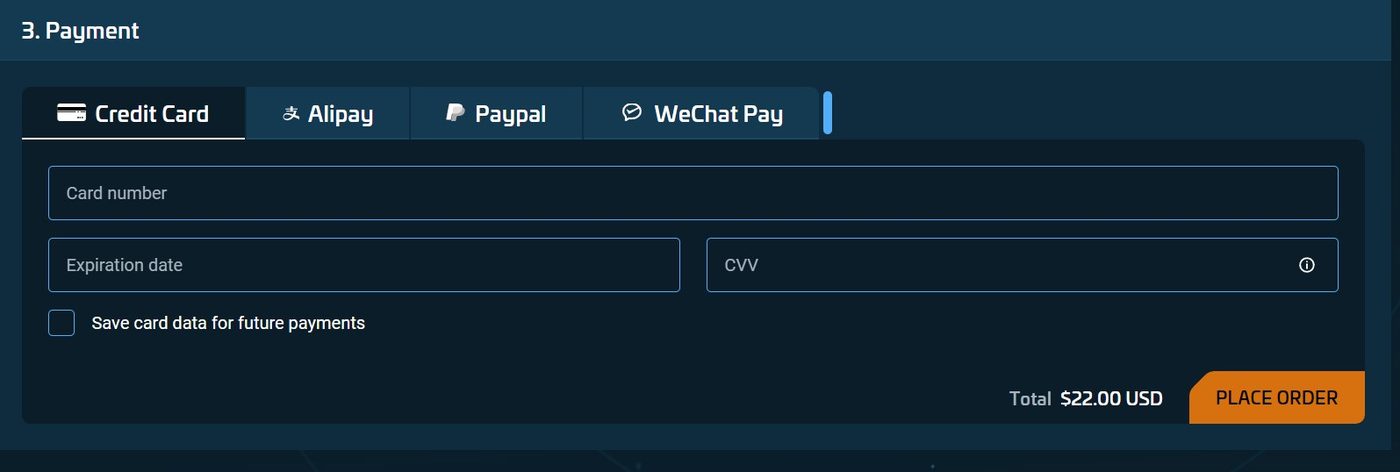
“Before you click “Place Order”, look at the final price – that's where tax shows up. And because promotions come and go: a quick look at the store to see whether one is running has saved me many a credit.”
Waypoint 07
Install the launcher
Your guide: Ivo BrennerYou play through the RSI Launcher. According to the RSI help centre:
- Download – log in on the RSI site and click “Download” next to the account icon at the top right, or open the download page ↗ directly and choose “Download and install”.
- Install – run the installer. The login opens afterwards.
- Log in – enter the email and password of your RSI account, plus the code if two-factor login is on.
- Install the game – click “Install”. Where the game goes is set under “Settings → Games” in the “Game Library Folder” field – ideally on an SSD.
- Launch – once everything is loaded, “Launch Game” appears.
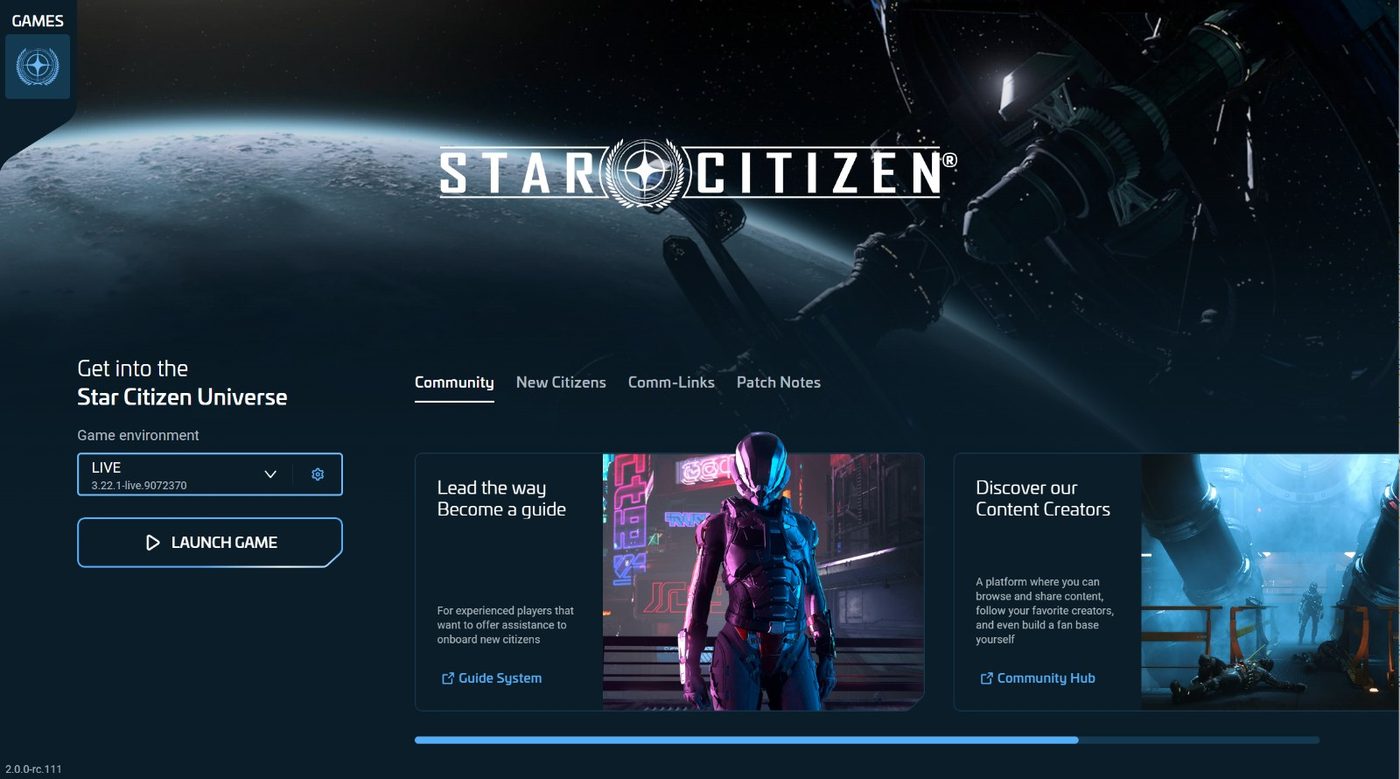
If the game crashes later: under “Settings → Games” there is “Verify”, which repairs damaged files.
“Give the first launch time. The game sets up a few things the first time, and then it looks as if nothing is happening. Something is happening. Get a coffee, don't cancel.”
Waypoint 08
Create a character
 Your guide: Dr. Alice Cordell
After “Launch Game” you land in the main menu. For the big shared universe, choose Universe mode. The first time, you create your character: face, hair, build – your body in the Verse.
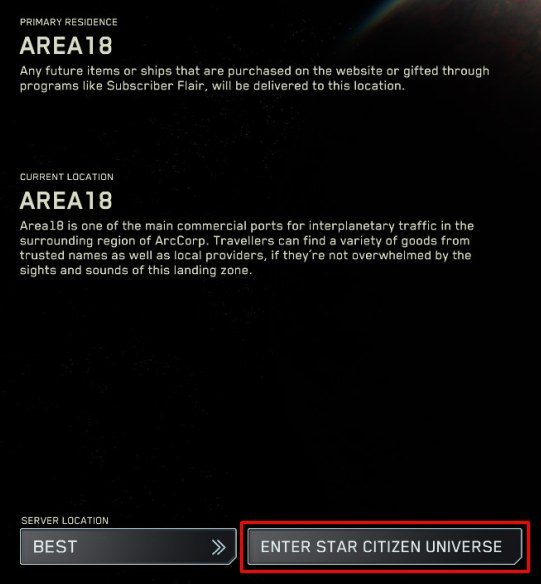
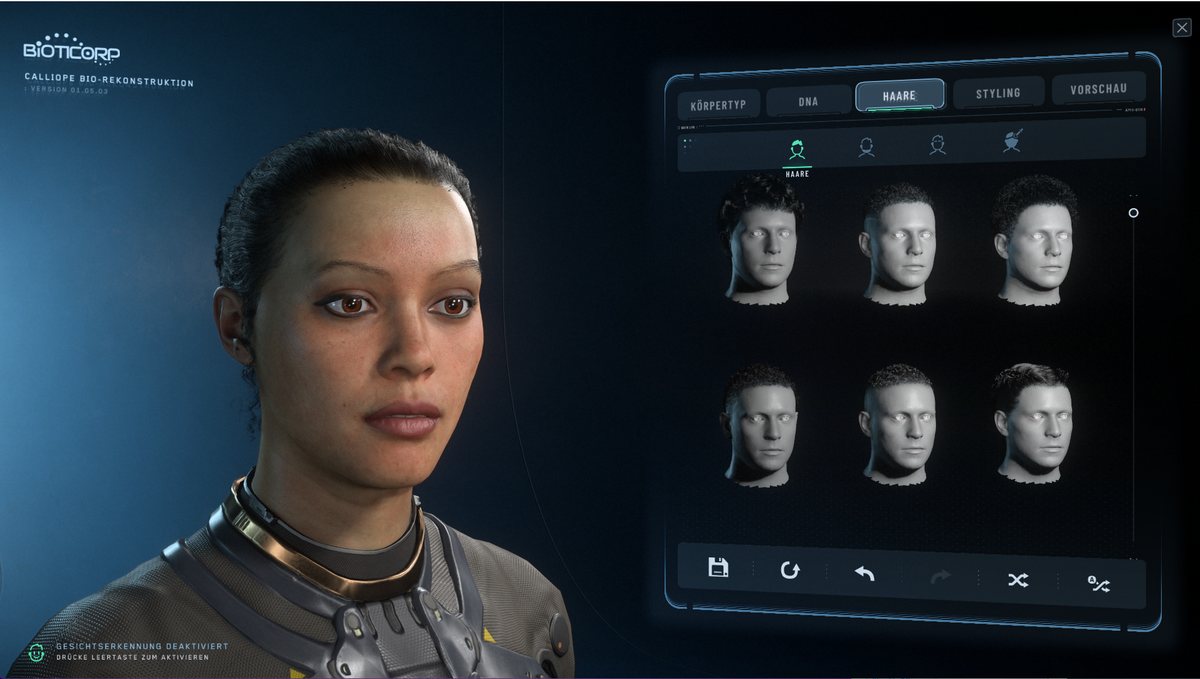
If character creation hangs or crashes, RSI suggests setting the display mode to “Windowed” under “Options” in the game, finishing the character and switching back afterwards. If the game reports “Unable to save changes”, let Windows sync the clock automatically.
“Take your time with your face. I built mine in five minutes and still see that nose in every mirror on the Goodwill. You change your armour every week – your face stays.”
Waypoint 09
Your starting location
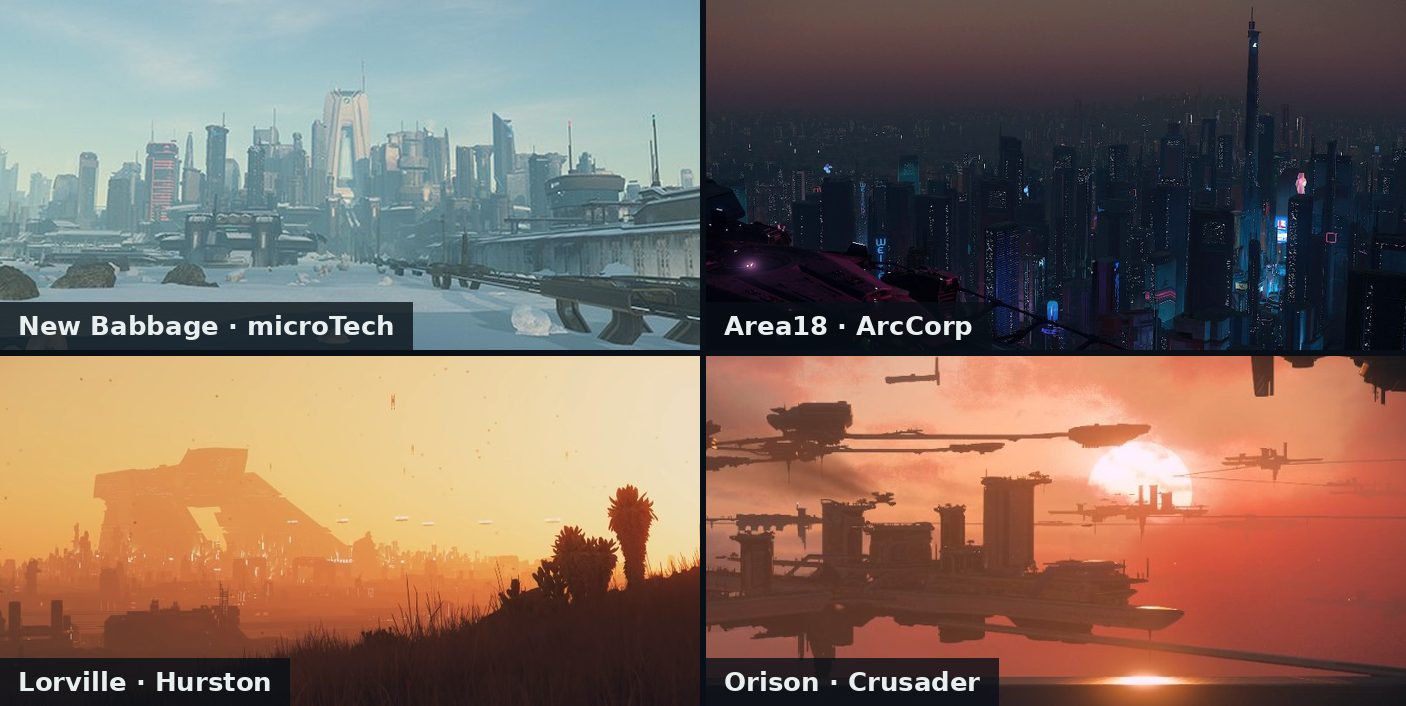
Your guide: Dr. Kyle ReeceWhen you first enter the Stanton system you choose, according to RSI, one of four starting locations. It becomes your home city, and that is where your own hangar is. If you later log out somewhere else, you wake up there in a hab next time.
| New Babbage | A modern city on the ice planet microTech – easy to find your way around, with a space station right above it. Home of the Stonehearst Group. |
|---|---|
| Area18 | A densely built city on ArcCorp, a planet that is almost entirely city. Nadia grew up there. |
| Lorville | An industrial city on Hurston, rough and dusty. Ivo is from there. |
| Orison | Platforms in the clouds of Crusader – home of Orison General, where Reece and Alice worked for a long time. |
“We're based in New Babbage. If you wake up there, we're not far away, and the way to the spaceport is short. But honestly: each of the four cities is a good start.”
Waypoint 10
From waking up to liftoff
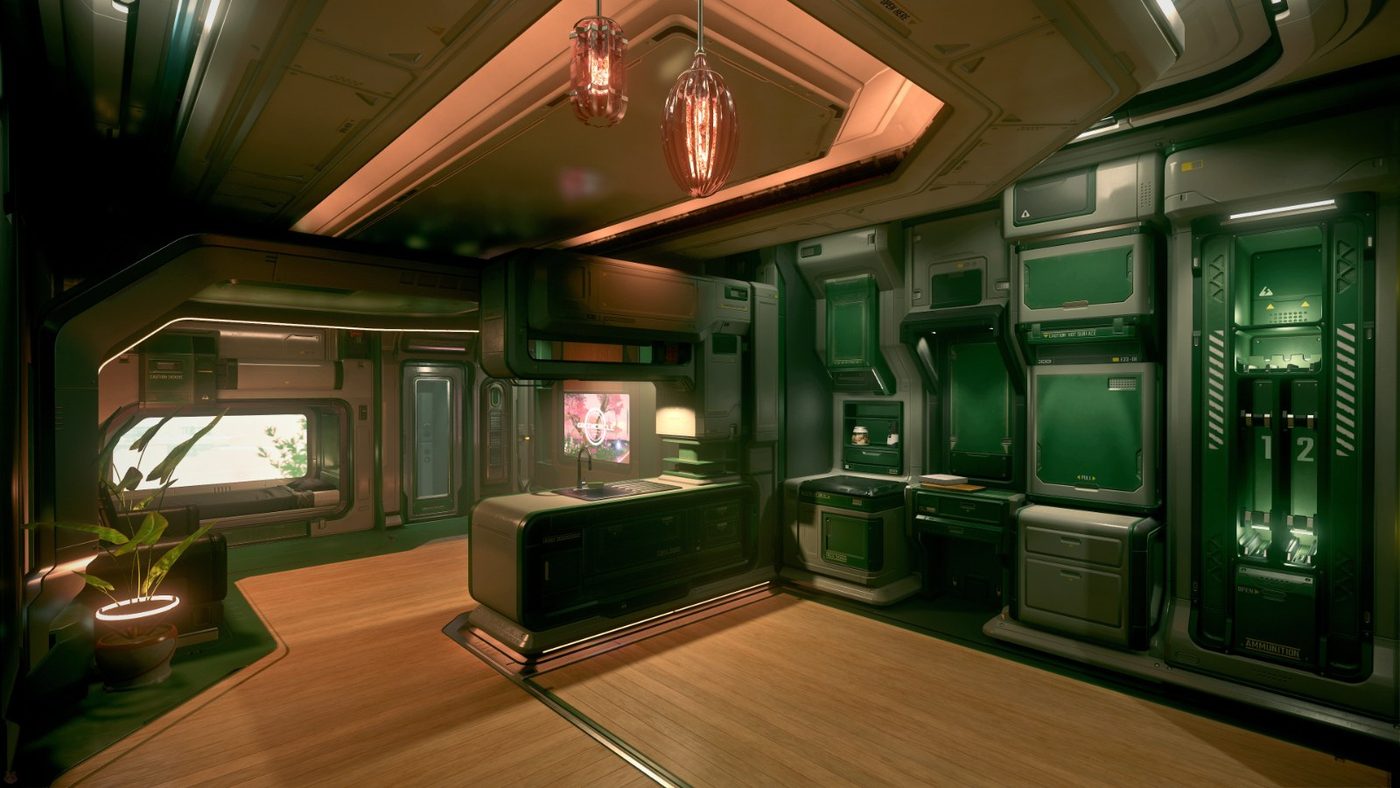
Your guide: Craig HarkerWhere you wake up depends on the tutorial: if you play the tutorial, you start in bed in your hab. If you skip it, you start right in your own hangar and join at step 4. Later on, too, you start in your hangar in your home city; if you logged out somewhere else, you wake up there in a hab. The sequence with the default keys:
- Get up and open the door – in the hab, Y gets you out of bed, F opens the door.
- Check your gear – at the storage terminal or with I in the inventory.
- To the spaceport – follow the signs, take the train if needed.
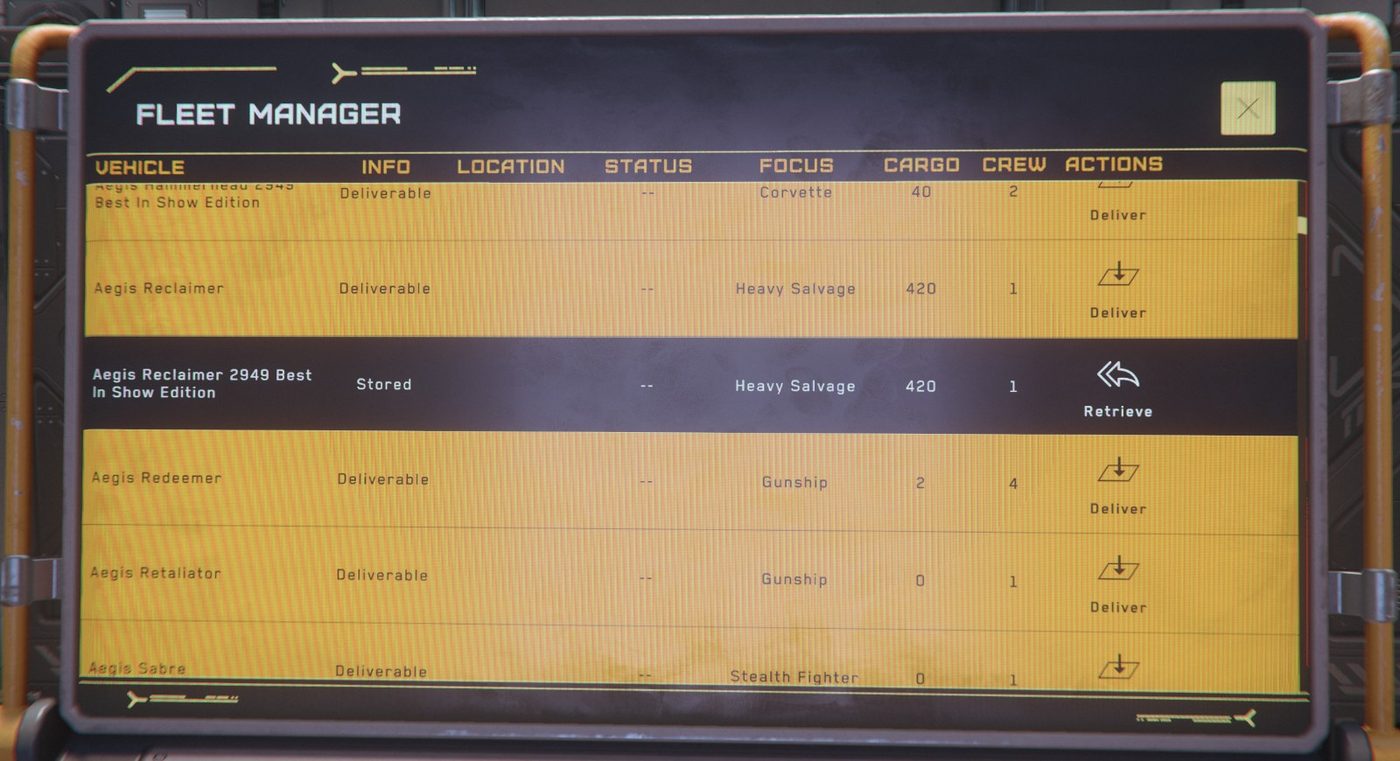
- Request your ship – have your ship delivered at the ASOP terminal (“Retrieve”), then take the elevator to the hangar. If you start in your own hangar, the terminal is right there.
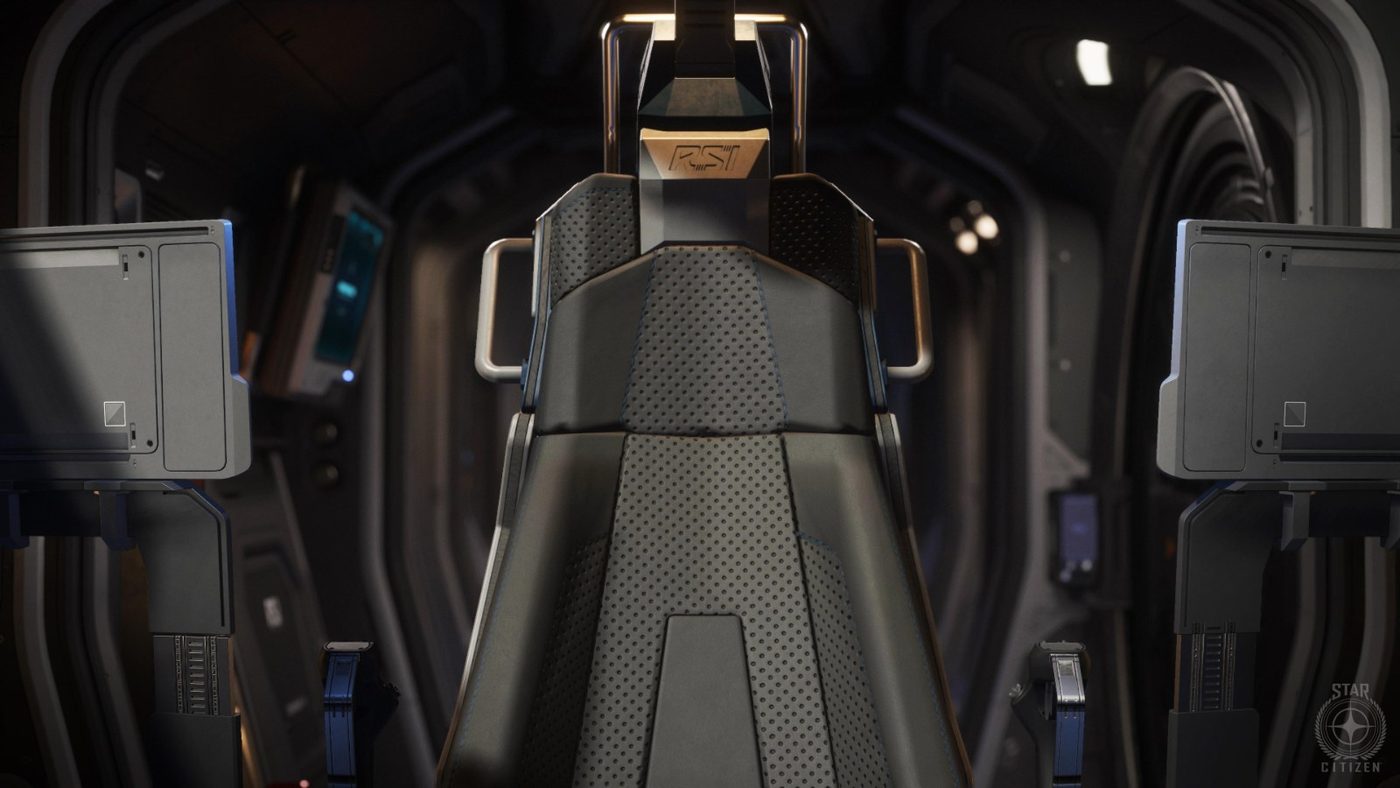
- Board and power up – sit down in the cockpit and make the ship flight ready with Right Alt+R (“Flight Ready”). One by one it works with U (power), I (thrusters), O (shields) and P (weapons).
- Takeoff clearance – easiest with Left Alt+N; alternatively call the spaceport in the mobiGlas (F1) under Comms.
- Lift off – check that the hangar door is open and the way is clear; thrust upwards with Space, raise the landing gear with N.
- Leave the atmosphere – straight up until the altitude readout disappears. Only then is a quantum jump possible.
“Look first, then lift off. Hangar door open, clearance granted, nothing above you. Then rise slowly and only open the throttle once you're outside. In nineteen years in the Navy nobody ever told me off for a takeoff that was too careful.”
How it goes on after takeoff – first station, first landing, first money – is on the get-started page under Your first evening in New Babbage.
Destination reached
Welcome aboard
You have an account, a ship and your first launch behind you. If you want to fly with us: our three divisions are organizations on RSI, where you can apply. And if you want to know how the crew itself started out, read the logbook.
“Welcome. You'll learn the rest along the way – and if you ever get stuck, call. The emergency channel is manned.”